
Don’t Just Ask Questions—Have a Conversation with Piping in Infer

Most surveys feel like forms. But the best ones feel like conversations. That’s where piping in Infer Surveys comes in—a simple feature that turns static questions into personalized, dynamic experiences.
Let’s break down how piping works, why it matters, and how you can use it to boost engagement, data quality, and completion rates.
What Is Piping?
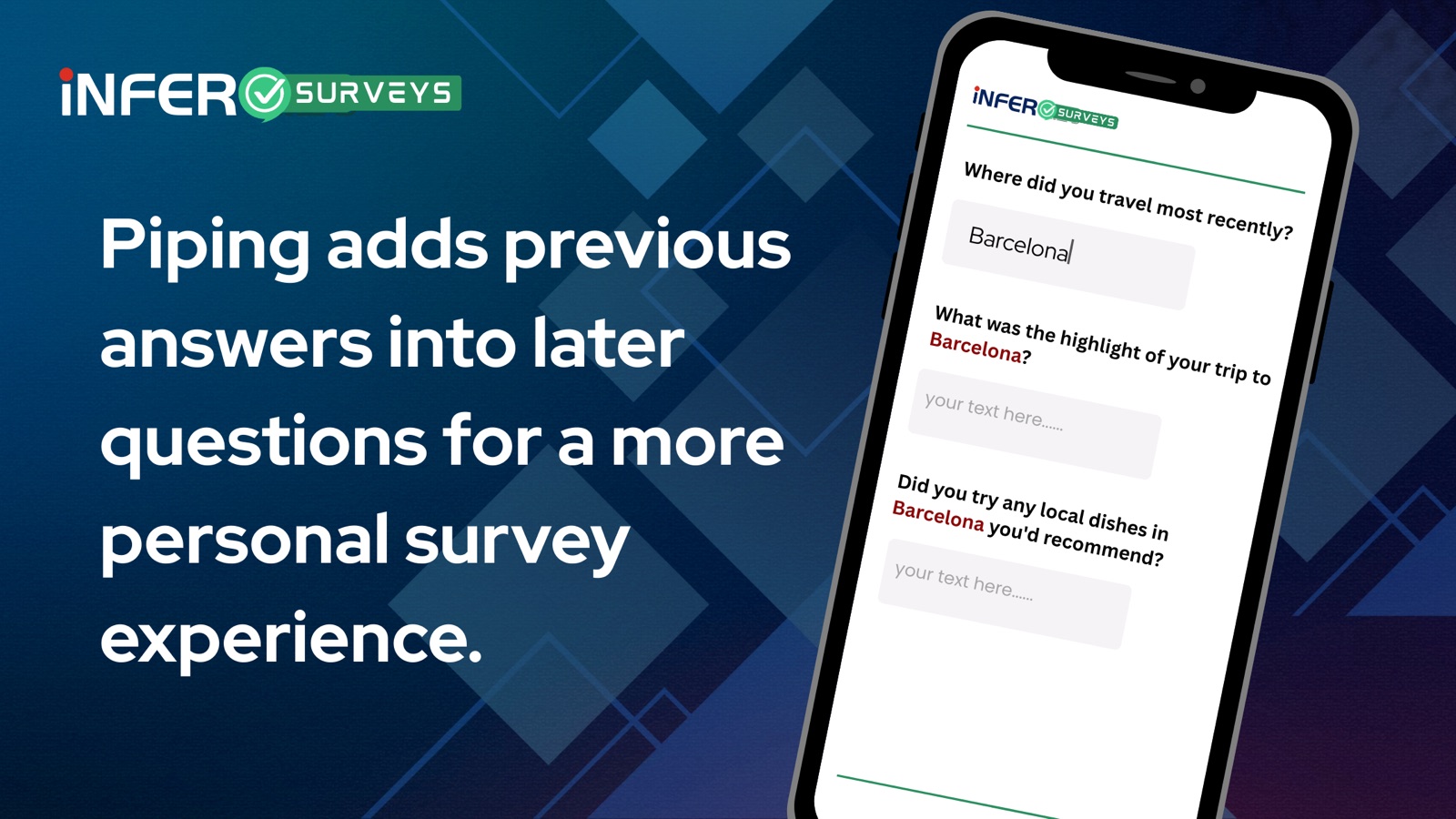
Piping lets you pull a user’s previous response into a future question or message. It’s a way of saying, “I heard you,” without making it weird.
For example:Q1: What’s your name?
→ User answers: Sarah
Q2: Thanks, Sarah! What brings you here today?
Infer automatically replaces {{first_name}} with “Sarah,” making the survey feel like a real conversation.
Why Piping Works
- Personalization — Makes the respondent feel recognized and heard
- Better Data — Increases completion rates by keeping the experience natural
- Contextual Flow — Reinforces continuity and relevance across questions
People don’t want to fill out forms. They want to feel like they’re being understood—and piping helps make that happen.
How to Use Piping in Infer Surveys
Here’s how to get started with piping inside Infer:
Step 1: Ask a Question
Collect a response you’ll want to reference later.
Example: “What’s your company name?”
Response: Acme Inc.
Step 2: Reference It Later
Use the piping syntax to insert their answer into a new question.
Example:
“How many employees work at {{company_name}}?”
Infer handles the magic. The respondent sees:
“How many employees work at Acme Inc?”
Step 3: Use It Anywhere
Piping works seamlessly across:
- Question text
- Multiple-choice option labels
- Messages and confirmations
- Constructed Lists (if enabled)
Pro Tip: Use Clear Variable Names
Infer lets you assign variable names to responses (like company_name or first_name). Use simple, intuitive names so it’s easy to reference them throughout your survey.
Real-World Example
Step 1:
Q: What’s your first name?
A: Alex
Step 2:
Q: Nice to meet you, {{first_name}}! What’s your role?
On-screen result:
“Nice to meet you, Alex! What’s your role?”
Clean, smooth, and personalized—all without extra effort.
Final Thoughts
With piping, your surveys feel less like data collection and more like human conversation. And when people feel seen and understood, they’re more likely to finish, share, and respond with honesty.
Ready to Make Your Surveys Smarter?
Start using piping in Infer Surveys today and create experiences that feel thoughtful, not transactional.
- Try Infer Surveys to put your first smart, personalized survey into action.